Appearance
Clickhouse
Write Honeypot events directly to Clickhouse by following these steps:
From the connectors page, select , and then click .
An example configuration will appear in the tab. Update the connection information with the appropriate values for your Clickhouse instance.
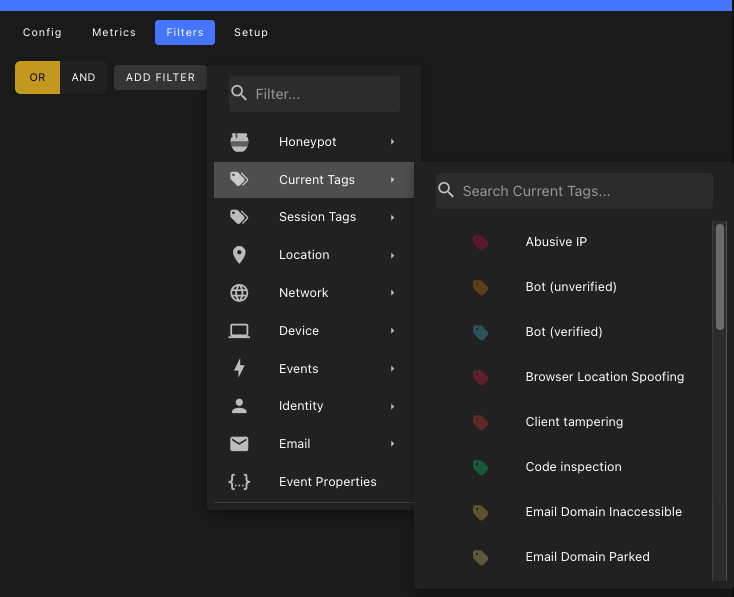
json{ // Clickhouse server URL with port "url": "https://xxxxx.clickhouse.cloud:443", // Username for authentication "username": "default", // Password for authentication "password": "****", // Table name to store events in "table": "honeypot_events" }From the tab, use the filter builder to control which events should be written to the connector.
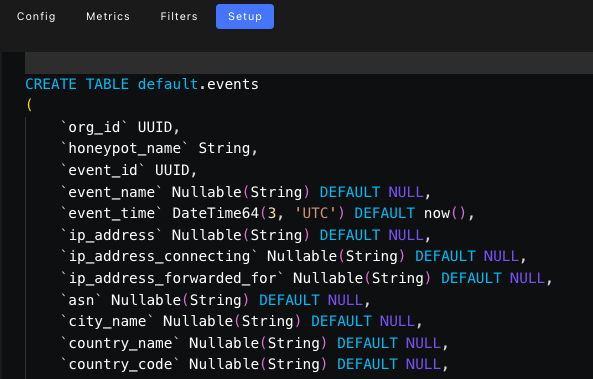
- Click the tab, and run the
CREATE TABLEstatement to prepare the downstream table.
Click to save the connector.
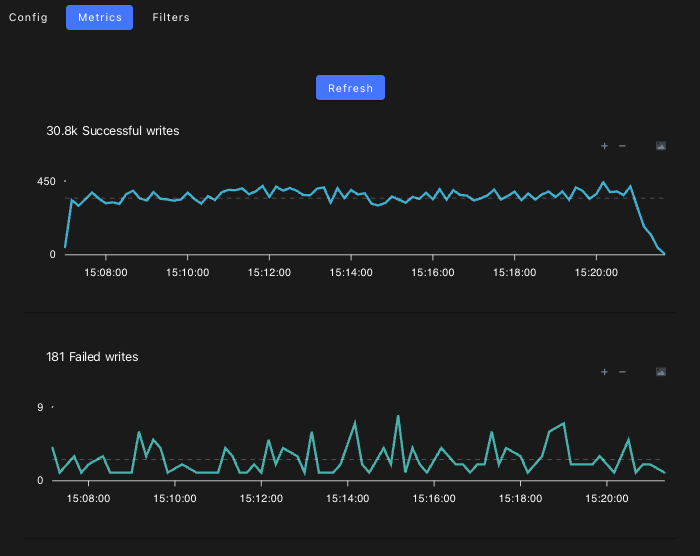
From the tab, you can monitor the write volume.