Appearance
Slack
Write Honeypot events directly to Slack using incoming webhooks.
Log into your Slack workspace and follow the instructions for creating an app and an incoming webhook.
Copy the webhook URL to your clipboard. It will look something like this:
https://hooks.slack.com/services/...From the connectors page, select , and then click .
An example configuration will appear in the tab. Update the connection information with the appropriate values for your webhook.
json{ // Slack incoming webhook URL "webhook_url": "" }From the tab, use the filter builder to control which events should be written to the connector.
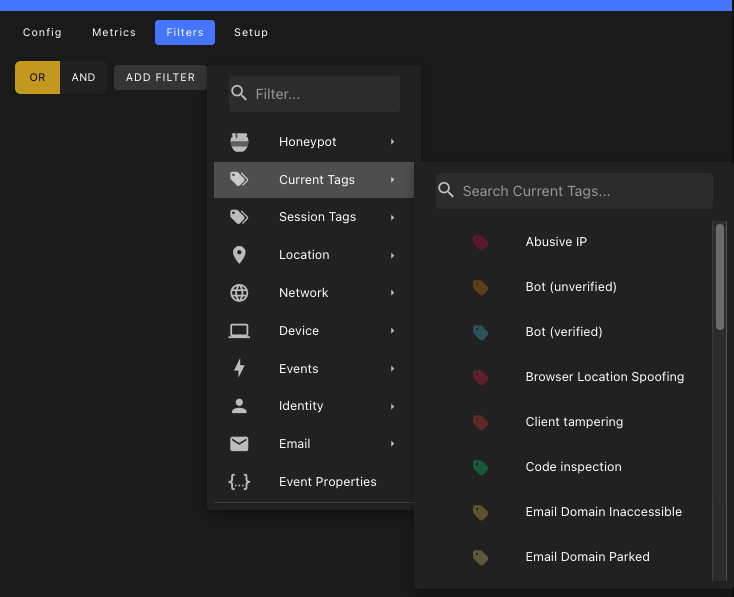
Click to save the connector.
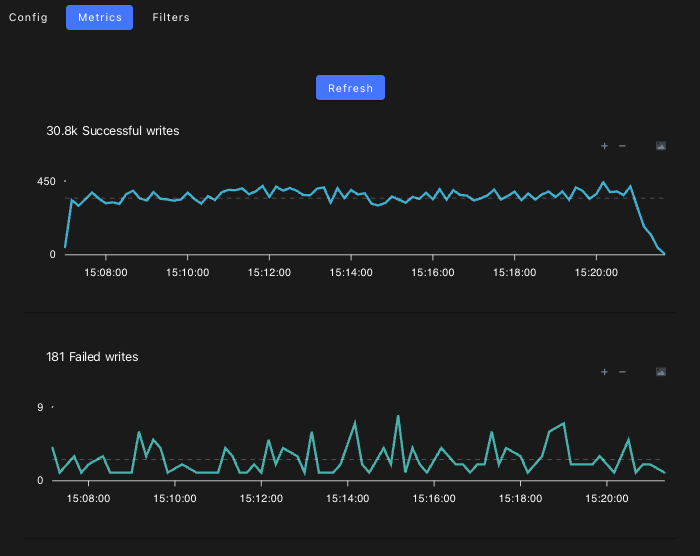
From the tab, you can monitor the traffic to your Slack channel.